
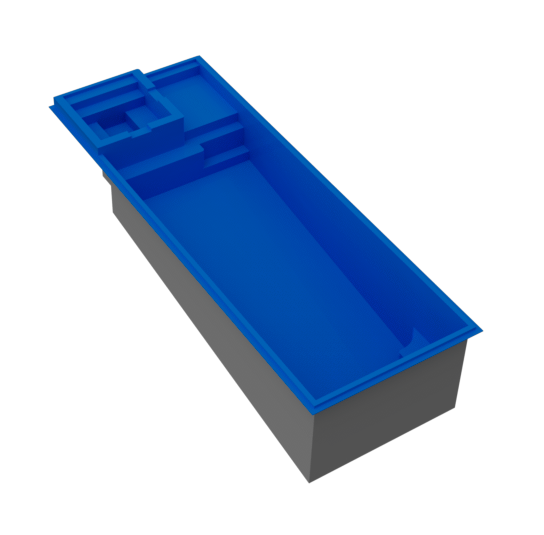
Colombian Resort
12' x 33' x 5'5"
Neblina Grande
8′ x 16′ x 5′
Neblina Beach
12′ x 20′ x 5′
Cale Cove
12′ x 23′ x 3’6″ -> 5’5″
Costa Rica
12′ x 25′ x 3’7″ -> 5’4″
Colombian
12 ' x 27' x 3’2″ -> 5’5″
Colombian Cove
12 ' x 27' x 3’2″ -> 5’5″
Costa Beach
12' x 26' x 4’2″ -> 5’6″
pen the pool link on your phone/tablet or point your device’s camera at the QR code. Keep the camera steady and wait for it to scan automatically.
Tap the View in AR button.

Allow camera access when prompted.
Point the camera at the floor until the pool appears.
Positioning: drag with one finger to move, twist with two fingers to rotate, and pinch to adjust scale.